Contact Us
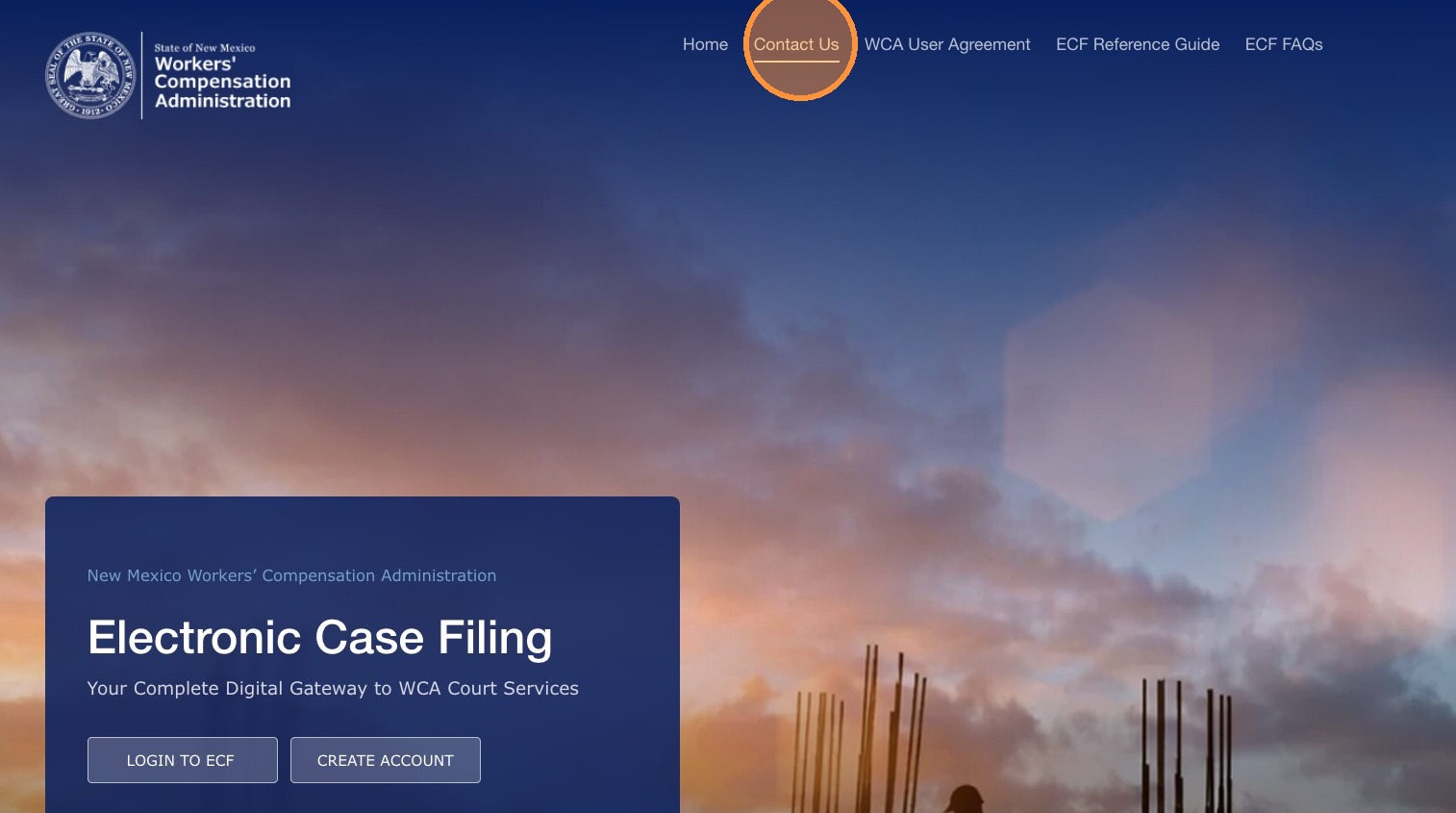
Use Contact Us in the portal to send a message to the WCA support team about portal access, case filings, or technical issues. This page has two main sections: Contact by Email and Technical Support Information.
Technical Support Information
Use the table below to find the best contact option for your situation.
| Topic | When to contact |
|---|---|
| Account and registration | Contact the WCA Clerk's Office if you did not receive your registration confirmation email, your account was rejected, or you cannot set your password. |
| Filing questions | Contact the Clerk's Office if you have questions about a specific filing, its status, or the reason it was rejected. Have your Filing ID or WCA Case Number ready. |
| Case-related questions | Contact the appropriate WCA bureau or mediation team if you have questions about case proceedings, events, or mediation scheduling. |
| Technical issues | Contact WCA IT or the Clerk's Office if the portal is unresponsive or you see a system error. Be ready to provide the time of the issue, what you were doing, and any error messages. |
| Self-represented (pro se) filer assistance | Self-represented users (pro se) who need to start a new case must visit a WCA office in person to file on paper. Once the case has been entered into the Electronic Case Filing System, WCA staff will provide portal access. |
Note: For general portal access issues before go-live, contact the WCA Clerk's Office. Accounts created before go-live are for testing only and will not be transferred when the system goes live. After go-live, you must create a new account to use the production Electronic Case Filing System.
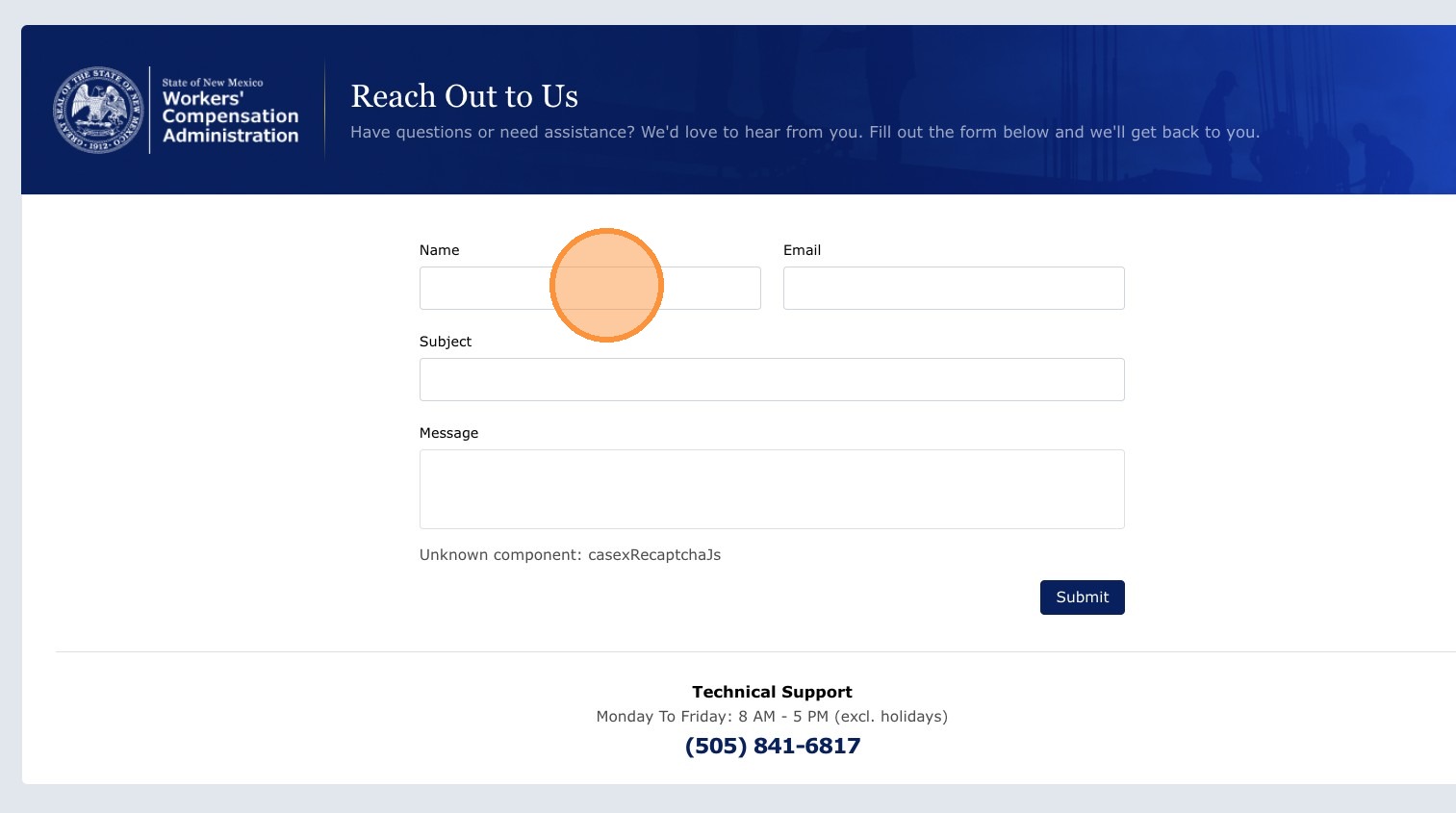
Contact by Email Form
Use the on-screen form to send a message to WCA support.
| Field | Description |
|---|---|
| Name | Pre-filled with your name when you are logged in. This field is read-only. |
| Your Email | Pre-filled with your registered email address. This field is read-only. |
| Subject | Enter the purpose of your message. |
| Message | Enter your question or provide details about your issue. |
Click Submit to send your message. A confirmation message usually appears after it is sent.
Include your WCA Case Number or Filing ID when asking about a specific case so support can assist you more quickly.
See also: Frequently Asked Questions · User Profile Update
Portions of this user guide were produced with assistance from artificial intelligence tools; all content was reviewed for accuracy before publication.